Ethernet Settings Tab
-
Select the Slingshot®
 button from the UT
 A Universal Terminal (formerly Virtual Terminal) is an electronic display or console capable of interfacing with ECUs on an ISOBUS network. menu.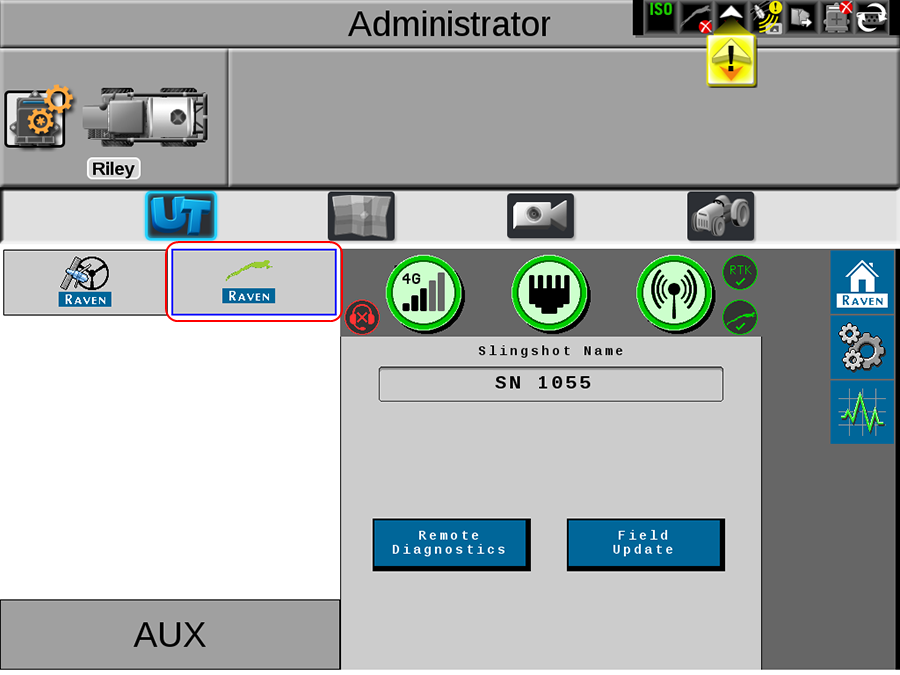
-
From the Slingshot® Home page, select the Tools
 button.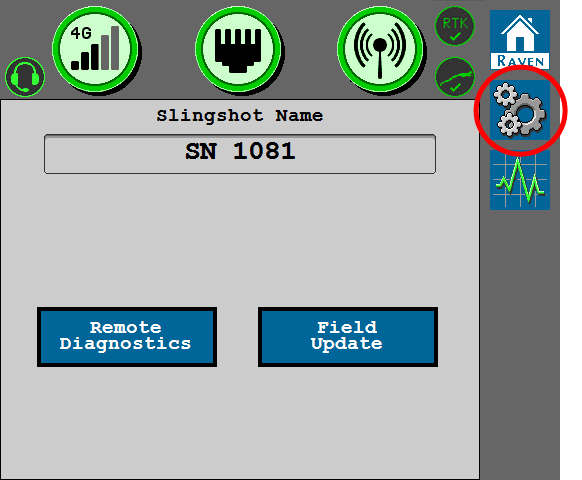
- Select the Ethernet Settings tab.
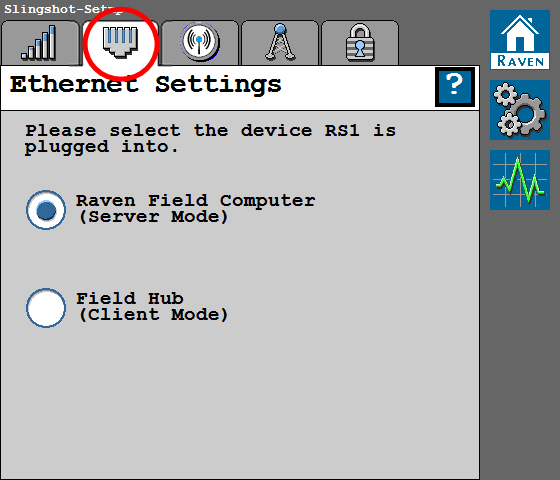
- Use the toggle option to set the modes for the Ethernet connection in the RS1™ unit.
Raven Field Computer (Server Mode)
Select this mode when the RS1™ unit is directly connected to the field computer via an Ethernet cable.
Field Hub (Client Mode)
Select this mode when the RS1™ unit is directly connected to the field hub via an Ethernet cable.
Last Revised: Jul 2024