Differential Configuration Setup
Note: Some pages and options may differ based upon how the machine or implement is configured.
-
From the auto-steer Home page, select the Tools
 button.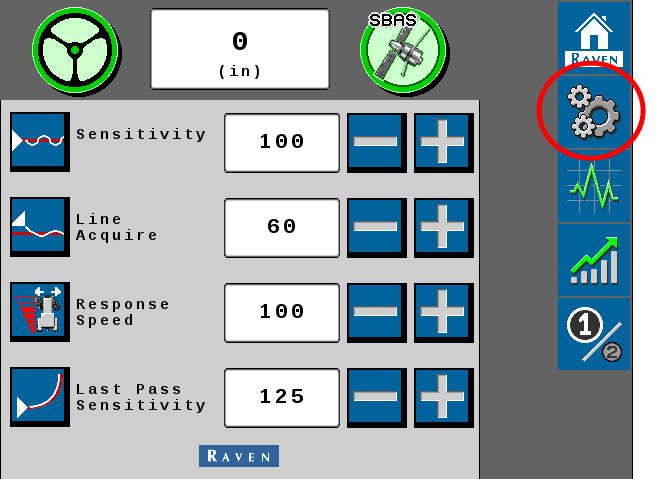
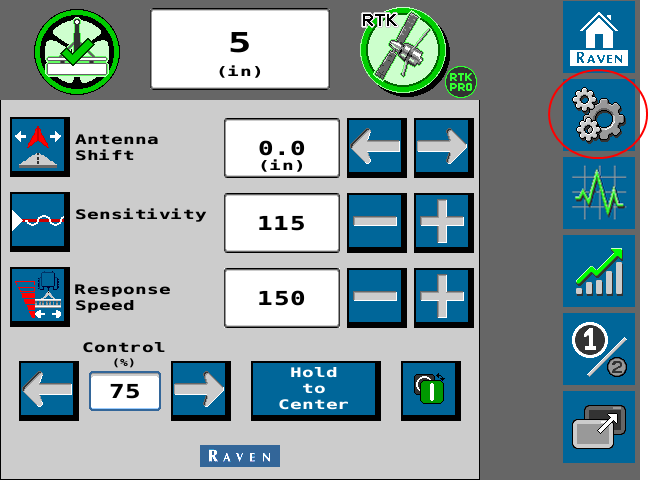
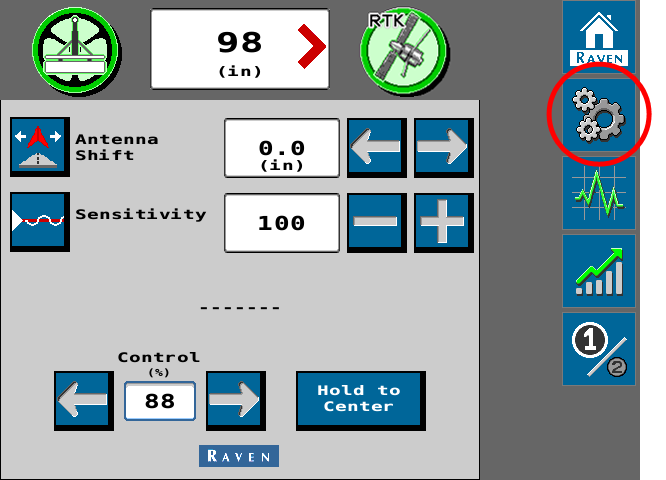
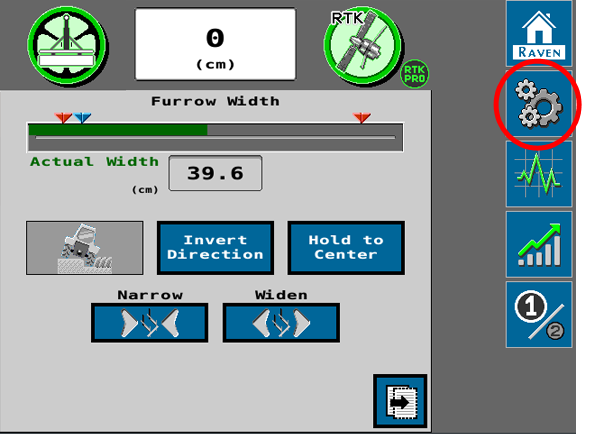
-
Select the GPS Setup
 tab.
tab.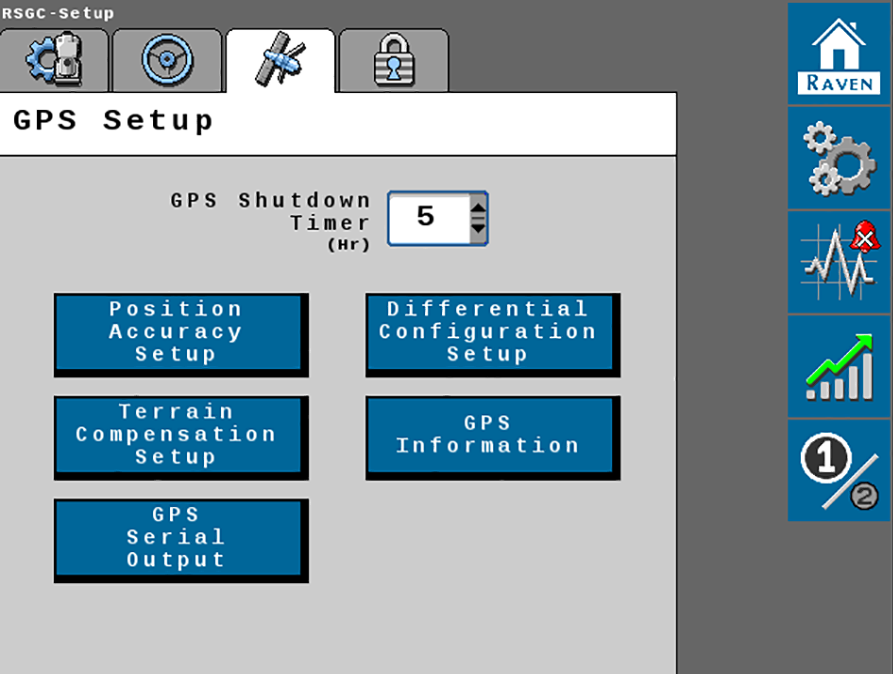
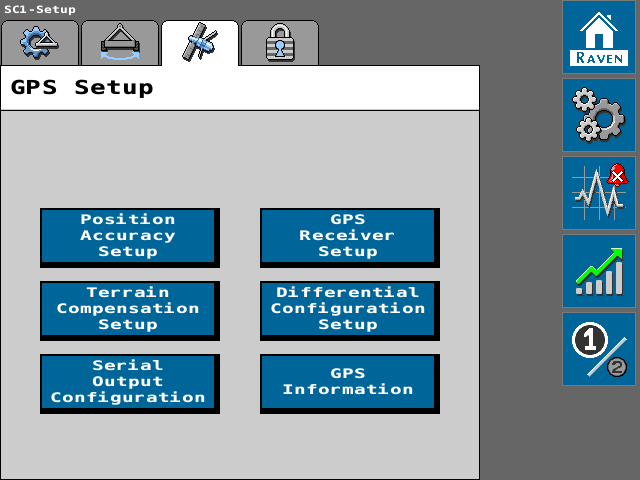
- Select the Differential
 Differential Global Positioning System is an enhancement to standard GNSS/GPS messages to provide better position accuracy. Configuration Setup button.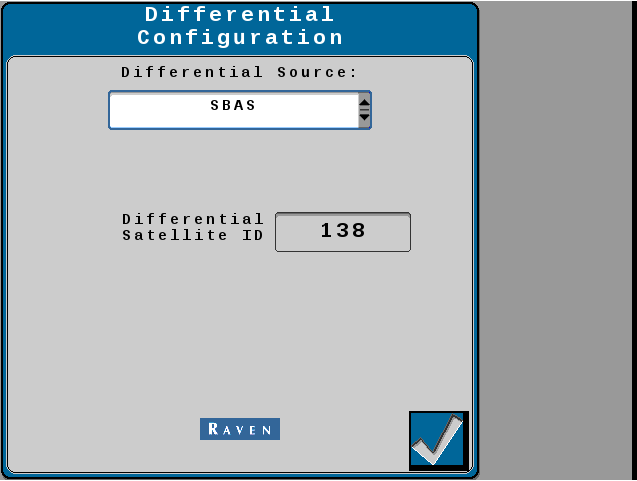
Note: Differential Source options will vary depending upon the GNSS Global Navigation Satellite System receiver connected, authorized or unlocked correction sources or subscriptions, and etc. Contact a local Raven dealer for additional assistance with feature unlock codes and activation.
Last Revised: Oct 2024